
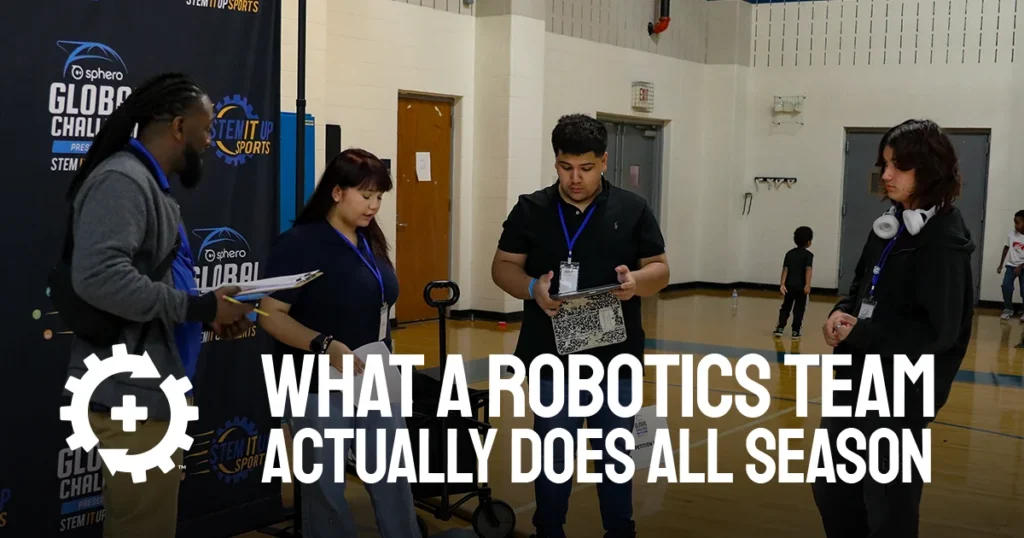
A robotics team is where students learn to trust their own ideas to build and code something they couldn’t have created alone. On a Student-Powered™ TEAM Alliance robotics team, a season comes down to a few hours a week and three stages: The First Meeting, Weekly Practice, and Event Day.
What a Robotics Team Does
A robotics team is a small group of students who design, build, and program a robot to take on a set of challenges, then put it to the test at a competition. A season usually opens with every team getting the same challenge and rules, followed by weeks of designing, building, coding, and testing their robots before the first event.
Students split the work. Some write code while others build or repair the robot. They learn to divide tasks and talk the problem through when something doesn’t work. Adult mentors give advice and ask questions without taking over the robot, so only the students own the result. If your child is asked to join a team, they’ll have the opportunity to grow personally as they gain new skills.
If you are completely new to this, start with our guide on What Is Robotics.
Where TEAM Alliance Fits
Behind every team’s robotics season is the group that runs it. TEAM Alliance, a 501(c)(3) nonprofit, writes each season’s challenges and rules, coordinates the events where teams compete, and decides how teams qualify for a championship. Every program is designed so a new team can score its first point within its first minute, the same way a soccer ball is designed to be kicked in a net regardless of experience. Three of the programs are Missions programs (indi, BOLT, and RVR), where students code their robots to complete Missions on a field that the team designs. The fourth, Blueprint Robotics, is the Sphero Robotics Competition, where teams play Matches against other teams on a field that changes every season with a new challenge. To see the four by age and format, compare the four programs here.
Neither the students nor the adult Team Coordinator needs technical experience to get started. To see why, read more about TEAM Alliance’s mission of approachable, Student-Powered™ robotics, where students make the decisions while adults coordinate.
A Missions season runs 6 to 8 weeks at 1 to 3 hours a week, and a Blueprint Robotics season runs 8 to 10 weeks at 2 to 4 hours a week. For where a team meets and how registration works, see how to start an after-school robotics program.
Who Does What on the Team
Every program is Student-Powered™, which means students do everything, from the mechanical design, the coding, the strategy, to the overall problem solving. The Student-Powered policy sets out the details.
The indi, BOLT, and RVR guides all recommend three to five students per Missions team. A Blueprint Robotics team is larger, with five to ten students recommended.
Both kinds of team share four core roles, and students can keep one all season or switch as they go:
| Role | What they do |
|---|---|
| Programmer | Writes and tests the code that makes the robots do what the team wants |
| Engineer | Builds what the team needs, including:
|
| Debugger | Works out why something isn’t working, in the code or the build |
| Designer | On a Missions team, makes each Mission Objective look good and fit the season’s theme.
On a Blueprint Robotics team, works out how the robot’s parts fit the team’s strategy |
Each kind of team also adds roles of its own:
| Role | Team | What they do |
|---|---|---|
| Mission Manager | Missions | Leads planning for each Mission Objective, knows the rules, and can watch the clock on Missions that are timed |
| Competition Manager | Blueprint Robotics | Leads game strategy and keeps the team on schedule at events |
| CAD Designer | Blueprint Robotics | Designs custom parts |
| 3D Printing Specialist | Blueprint Robotics | Prints custom parts |
| Match Crew | Blueprint Robotics | Up to six students who drive the robots, load scoring objects, and keep score during Matches and Tech Trials |
Each program’s respective Team Coordinator Guide, such as the BOLT Team Coordinator Guide, describes each role in full.
The adult on the team is the Team Coordinator, who needs no technical background. The Team Coordinator assists the students, registers the team, gets everyone to the event, and cheers them on.
Stage 1: The First Meeting
The first meeting, which runs 30 to 60 minutes depending on the program, is designed to immediately engage the students by laying out the season’s challenges and getting the robot moving. Each program’s Team Coordinator Guide plans this agenda out:
- Missions: indi teams (30 to 40 minutes) predict what indi will do on a color tile, then spend about 10 minutes finding out how each color steers it. BOLT and RVR teams (45 to 60 minutes) build a short trail of trusses, drive their robot through it, and then learn about how the robot has to be programmed to move in the Missions.
- Blueprint Robotics: teams (45 to 60 minutes) watch the season’s game reveal video, pair the controllers, and try out the drive modes.
Stage 2: Weekly Practice
The agendas after the first meeting keep the momentum going with plenty of hands-on lessons that teach students the robot and its coding one skill at a time. If you’re a team that already knows its robot well, you can pick just the sessions you need. Once the skills are in place, students set a goal for each meeting and split the time among coding, testing, and practicing under event conditions:
- Missions: students set up the Mission Field, build field pieces that fit the season’s theme, and practice timed runs. At a Qualifying Event, indi teams complete Missions 1 and 2, while BOLT and RVR teams complete Missions 1 to 3.
- Blueprint Robotics: students practice Team vs Team Matches and Tech Trials, and the team works out how its two robots will coordinate in a Match.
The advice for this stage is the same for every team: a solution that works every time is worth more than an ambitious one that works now and then. Students also create failure plans for when a robot or a program doesn’t behave as expected.
Stage 3: Event Day
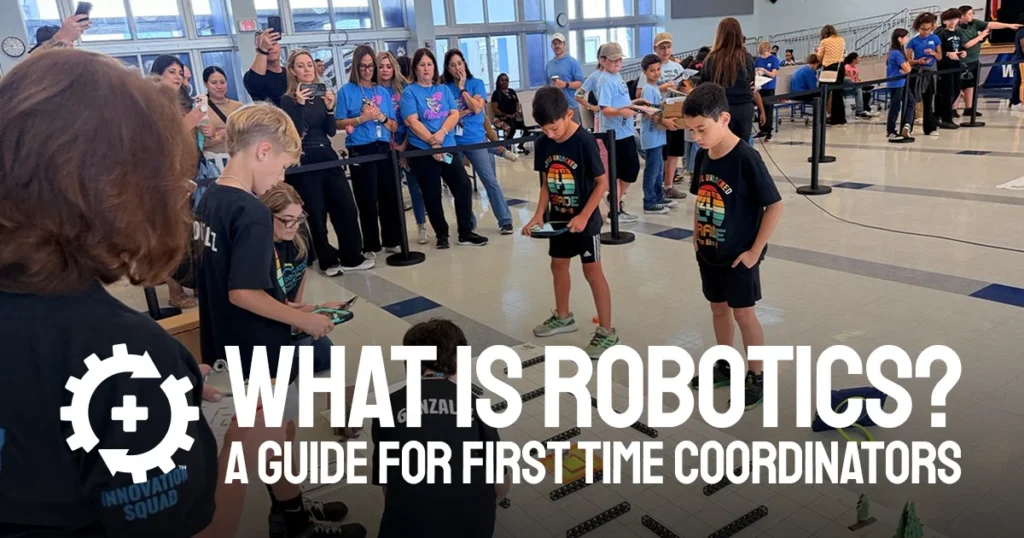
Event day is about more than the final score. Students see how other teams solved the same challenges, cheer for them, and celebrate what they built over the season.
The day itself runs a little differently for each program and format:
- Missions, In-Person: each team has an assigned Mission Start Time and gets three minutes to set up its Mission Field before its run.
- Blueprint Robotics, In-Person: the Event Host sends check-in details before the event and hands out the schedule that morning. Teams play Team vs Team Matches and Tech Trials throughout the day.
- Missions, Online Submission: students film each Mission Objective from above and submit the videos on myTEAMevents.org, with a description of their strategy. For BOLT and RVR, they’ll also submit a screenshot of their code.
Find the Program That Fits Your Students
Compare the four programs side by side and pick the one that fits your students’ ages. If your child wants to join and there isn’t a team nearby yet, email support@teamalliance.org with your location. Pick up the equipment you need and register a team today!