

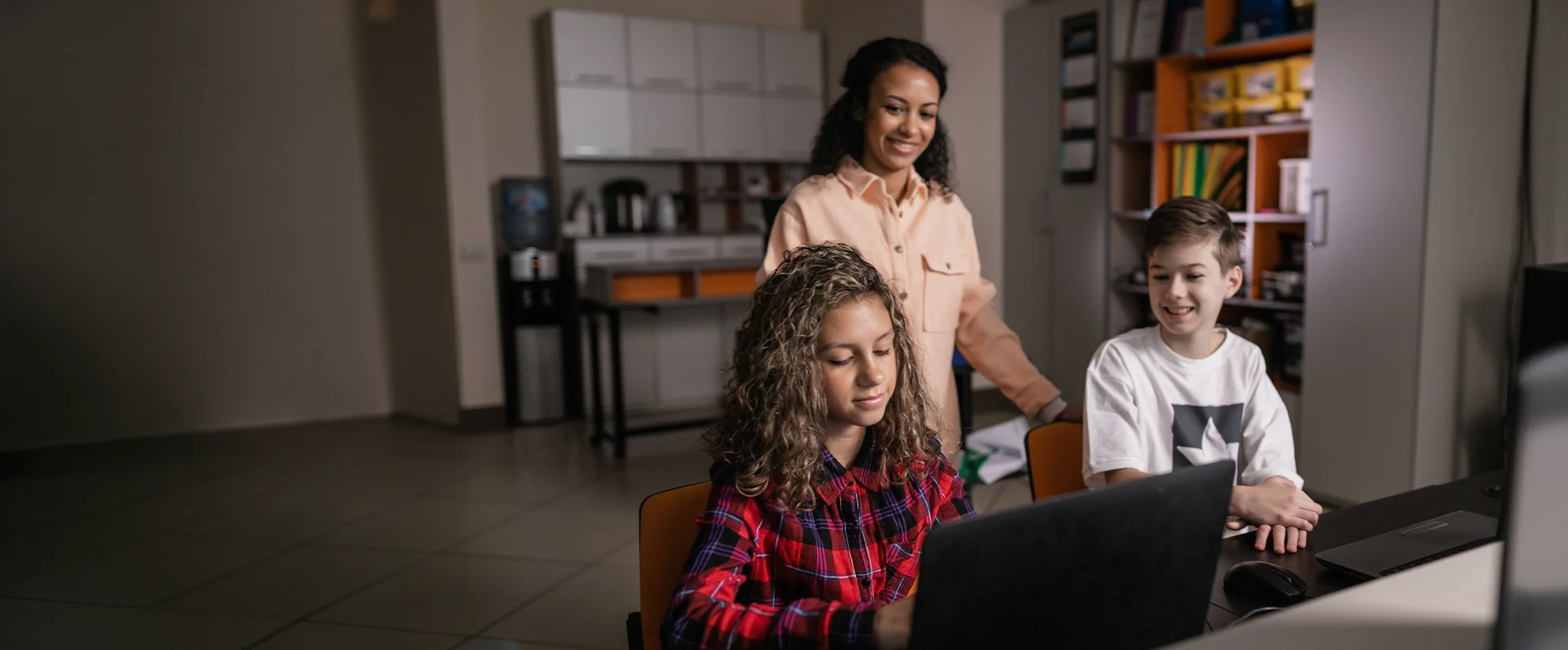
Online Submission for indi, BOLT, and RVR Missions Teams
indi, BOLT, and RVR Missions teams can take part from their own classroom, club, or home, with no travel, and still have a path to a Championship Event.
Robotics for K-12
Get to Know Online Submission
Online Submission is how indi, BOLT, and RVR Missions teams compete without traveling. Students pre-record their Missions and submit their work on myTEAMevents.org. In each Missions program, students program their robots and send them through themed Missions. The 2026-27 Missions theme is Smart City: Where students build technology to keep a modern city moving, connected, and ready for tomorrow.
Online Submission is one of the two ways to register a Missions team, with the other being In-Person event registration, and is open to all three Missions programs:
- indi Missions, recommended for kindergarten through 2nd grade
- BOLT Missions, recommended for 3rd through 5th grade
- RVR Missions, recommended for 6th through 8th grade
Note: Blueprint Robotics, the program for grades 7 through 12, has no Online Submission route.
What Students Submit
Students record their Mission runs and explain their work in the season’s Online Submission slideshow template. For each Mission Objective, the template asks for a video of the run and a description of the team’s process and strategy. BOLT and RVR teams also add a screenshot of their program, while indi teams, who code with color tiles, do not have that requirement. The video must be a publicly viewable .mp4, .mov, or .avi file filmed from above, and shows every robot in use for the whole Mission Objective. You can find the current season’s Mission Manual, which links to the template, for each Mission here. You can also find them under Sphero Robotics Missions, along with other helpful information, in the TEAM Alliance Library.
What Does It Cost?
Getting Started
An Online Submission season costs $100 per team and includes all Online Submission events, team and Team Coordinator resources, event competition software, competition management platform, team grant opportunities, and more. A typical season takes 1 to 3 hours a week over 6 to 8 weeks. The Team Coordinator pays that $100 Online Submission season registration fee once, on myTEAMevents.org, when registering the team. After that, the whole season happens wherever the team already meets. Instead of competing live at an event, each team sends in their recorded Missions to the Online Submission event for their region, which is set by where the team is located.
Start to Finish
Championship Pathway
Online Submission teams reach their region’s Online Submission Championship Event in three steps: a qualifying submission, a finalist notice, and a Championship submission.
| Step | Date | What happens |
|---|---|---|
| Qualifying submission | March 5, 2027, 11:59 p.m. Central | The team submits its recorded Missions and slideshow |
| Finalists notified | On or before March 15, 2027 | Finalists hear that they advance |
| Championship Submission | April 16, 2027 | Finalists send an additional Championship Online Submission |
In each region, the top 25% of teams in each of indi, BOLT, and RVR become finalists, or the top 20 teams, whichever is greater for a region. Find your region’s event in the list of Online Submission events.
Registration
The Team Coordinator registers the team for Online Submission on myTEAMevents.org. There is no cost to add your school or club on myTEAMevents.org. You only pay the season fee for each team you register. When you add a team, be sure to select ‘Online Submission’. A team can enter In-Person events, Online Submission, or both. Each registration type has its own season fee, and a team can add the other type later.
Once submissions open, the Team Coordinator submits the team’s work from its page on myTEAMevents.org. Open the Dashboard, click Select Team, then Online Submission. For the full sign-up steps, take a look on our ‘how to register a team’ page.
- Required: 2 to 5 students, no technical experience needed
- Required: One (or more) adult Team Coordinator, no technical experience needed
- Required: Season registration
Equipment
Online Submission teams use the same equipment as In-Person teams in their program, and each program needs something different.
| Program | Required | Recommended |
|---|---|---|
| indi Missions | Two indi robots | One indi Folding Code Mat; one Sphero Craft Pack or classroom supplies |
| BOLT Missions | Two BOLT or BOLT+ robots; one Blueprint Snap Sphero Robotics Missions Kit | One BOLT+ Maze/Grid Code Mat; one Spherp Craft Pack or classroom supplies |
| RVR Missions | One RVR+ robot; one Bluepint Snap Sphero Robotics Missions Kit | One RVR+ CodeMat; one Sphero Craft Pack or classroom supplies |
The Blueprint Snap kit is a building kit for Missions, separate from the Blueprint Robotics program. Teams record their runs where they meet, using a Code Mat or a homemade Mission Field with the correct dimensions. Equipment is a separate cost from the season registration fee, and you can compare all four programs to see first-year totals side by side.
Frequently Asked Questions
How long do we have to join Online Submission?
You have until March 5, 2027, to register and make your qualifying submission. Ready to join? Register your team for Online Submissions on myTEAMevents.org.
Who scores an Online Submission?
Evaluators review each team’s recorded Missions and slideshow. The season’s Mission Manual, located in the TEAM Alliance Library, sets out the Mission Objectives and the scoring details so students can check how each Mission is scored before they record it.
How do we start a team if we don't have one yet?
Add your school or club on myTEAMevents.org at no cost, then add a team and choose Online Submission. If you are a parent or anyone else without a school or club behind you yet, reach out to support@teamalliance.org.
Should students learn the robots first or start the Missions right away?
It depends on your students’ experience. The Team Coordinator Guides in the TEAM Alliance Library lay out meeting agendas of about 30 to 40 minutes in three groups: intro sessions, learning sessions, and Mission sessions. If students have never used the robot, go through the intro and learning sessions which use Sphero’s lesson plans to build programming basics. If they already know their robot, you may choose to skip them.
Our team did the Sphero Global Challenge. Is Online Submission the same thing?
Sphero retired the Sphero Global Challenge name after the 2025-26 season. Sphero and TEAM Alliance now present Sphero Robotics Missions, and will continue to support the Online Submission option for them. A team that entered the Sphero Global Challenge registers for Online Submission on myTEAMevents.org in the same way a new team does.
Ready to get started?
Missions are Student-Powered™, which means students do everything from the mechanical design, the coding, the strategy, and the overall problem solving. Their Team Coordinator needs no technical background and only guides the students, registers the team, and cheers them on. With Online Submission, your team can do all of that without traveling to an event and still have a path to a Championship Event. Register on myTEAMevents.org today, and send in your Missions by March 5, 2027.